Chrome extension
Block LLM sites. See art instead.
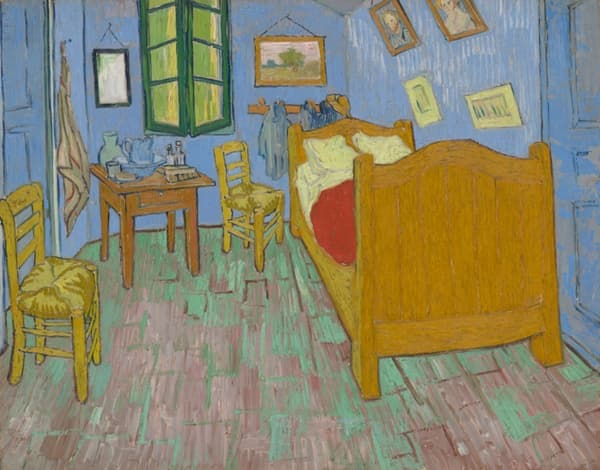
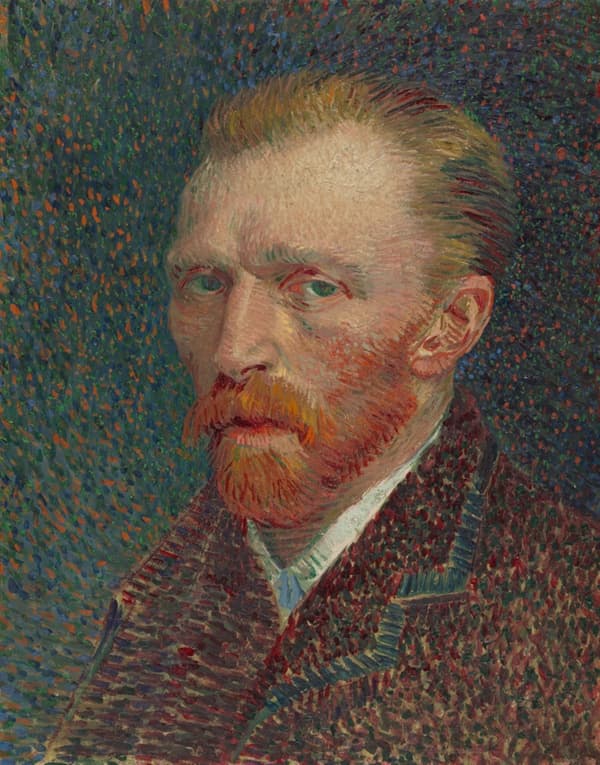
No LLM Sites blocks ChatGPT, Claude, Gemini, and other AI chat websites in Chrome, redirecting you to a gallery of public-domain art from the Art Institute of Chicago and the Met.
Ready to block
The default list becomes active only when you click Enable protection. Add a focus schedule, related subdomains, or the optional community-maintained LLM/chat collection whenever you need them.
How it works
- 1
Enable protection
Click Enable protection in the extension popup. Chrome asks for access only to the sites on the default blocklist.
- 2
Customize the blocklist
Add any domain, enable the reviewed LLM/chat collection, and choose whether related subdomains are included.
- 3
Set your focus hours
Block during the weekday hours you choose, then let the rules pause automatically for evenings and weekends.
A quieter corner
Instead of a dead end, blocked pages open onto rotating public-domain works of art.